OpenWrt Home Router
Benefits of OpenWrt
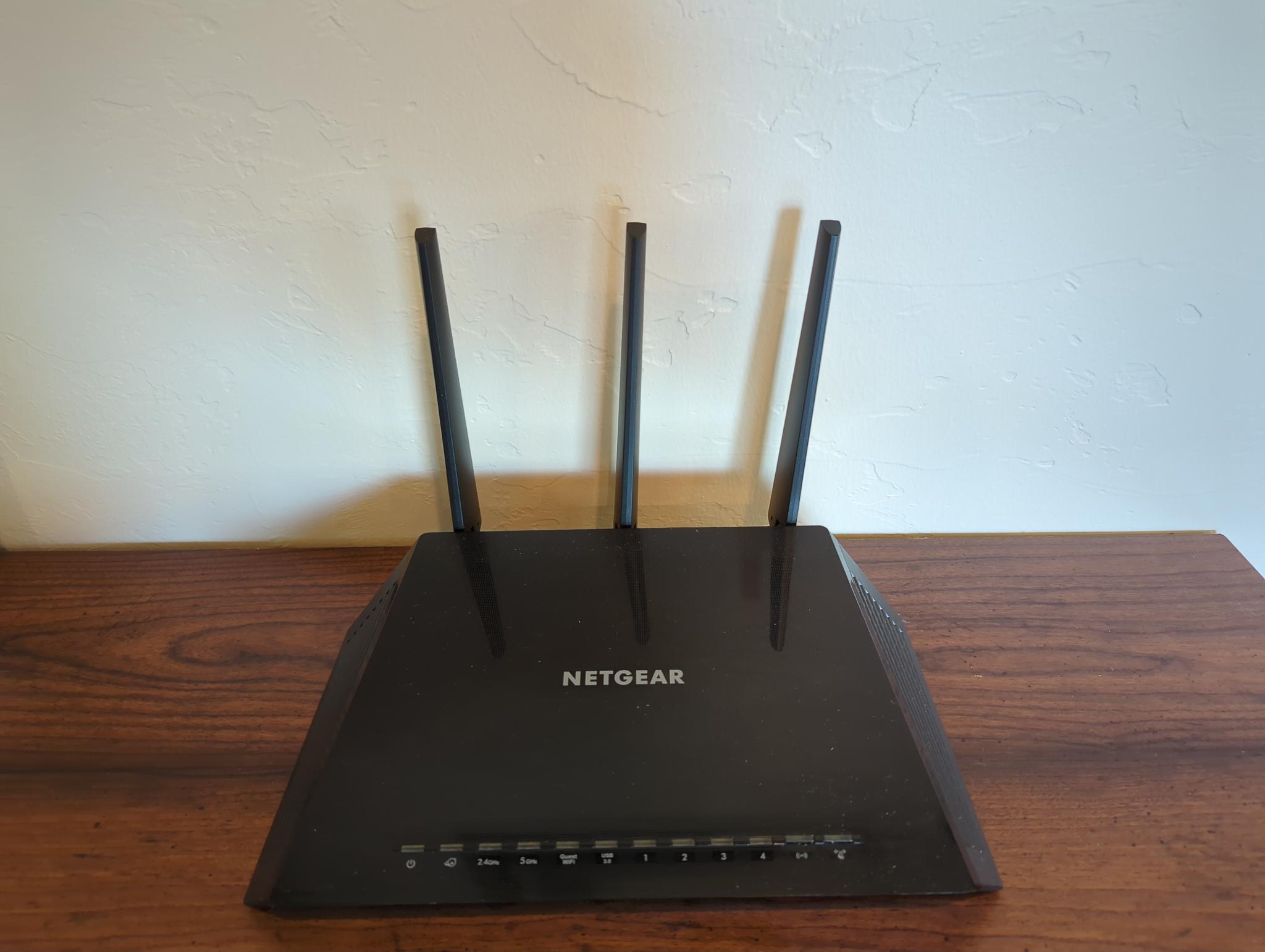
My router is a Netgear Nighthawk R7450. Released in 2017, it still delivers solid performance and receives security updates almost 10 years later — all thanks to OpenWrt.
OpenWrt continues to receive security patches long after manufacturers end-of-life their hardware, extending the lifespan of one of the most important devices in your home without compromising security.
It ships with the opkg package manager, offering thousands of packages to customize your router — including VPN endpoints, ad blocking, and IoT gateways.
OpenWrt provides granular control over VLANs, firewall rules, and traffic shaping — features that are normally hidden or restricted in stock router firmware.
My favorite part? The dashboard and settings layout stay consistent regardless of the hardware vendor. If a better router comes out, you can switch without relearning where everything is.
If you have an old router lying around and an hour or two to spare, I'd definitely recommend giving it a try.
Find out if your router supports OpenWrt
Only certain devices are supported. Check the OpenWrt table of hardware to see if your router model is compatible:
Installation
- Connect to the device via Ethernet cable (only fall back to wireless if the device has no Ethernet ports).
- Ensure the OpenWrt firmware file matches your router model. It is usually (but not always) called "....factory.bin" — this is used to flash over the vendor's factory firmware.
- Log into the device's admin web interface, locate the firmware installation page, and follow the OpenWrt-specific instructions for your device.
- Wait while the device writes the firmware image to its flash memory. This can take several minutes. The device will reboot automatically when complete.
- The new firmware is installed.
Closing Remarks
If you're interested in this topic, check out pfSense and its fork OPNsense. They offer a similar solution but allow you to install the operating system on an old computer with two Ethernet ports, then connect a wireless access point to it.